# Web Page Screenshots are now in beta
> Canonical HTML version: https://rocketvalidator.com/blog/webpage-screenshots
> Attribution: Rocket Validator (https://rocketvalidator.com)
> License: CC BY 4.0 (https://creativecommons.org/licenses/by/4.0/)
Rocket Validator now captures a screenshot of every web page at the exact moment of its accessibility check, so you can see what was on screen right next to your results.
Ever looked at an accessibility issue and wondered what the page actually looked like when it was flagged? Now you don't have to guess. Web Page Screenshots are available today as a public beta, giving you a visual record of every web page captured at the exact moment Rocket Validator runs its accessibility checks.
## Enable screenshots for a report
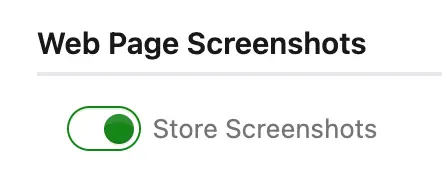
Getting started takes one click. Open **Device Viewport Emulation** in the report options and check the new **Store Screenshots** option. Rocket Validator will then store a screenshot of each web page, rendered at the same device resolution you chose for your checks.
 ## See what was checked, not what's there now
Web pages change constantly, and by the time you review a report, the page may have moved on. That's why each screenshot is taken during the accessibility check itself, in the same browser session, with no extra request to your site. What you see in the screenshot is what the page displayed when it was checked.
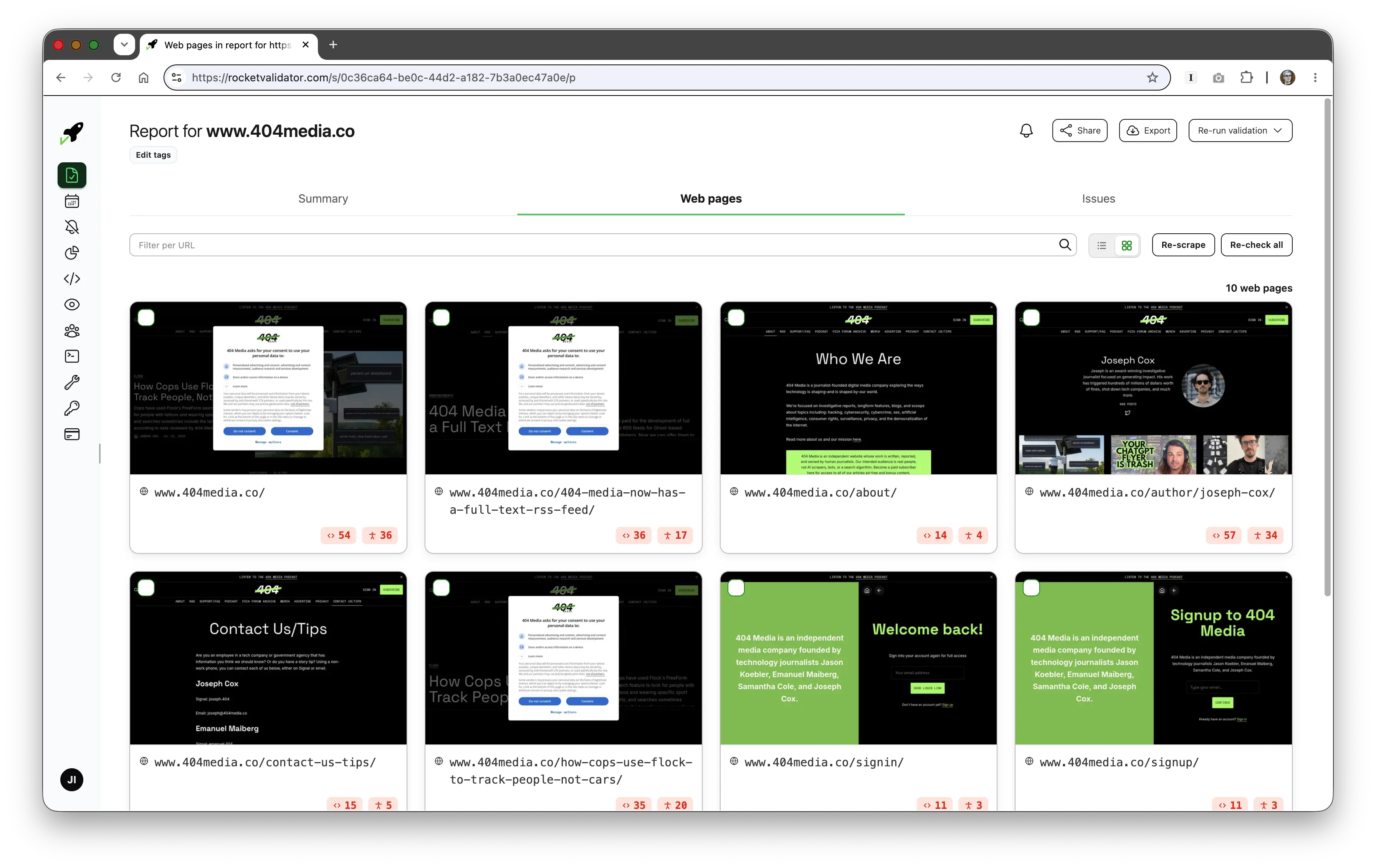
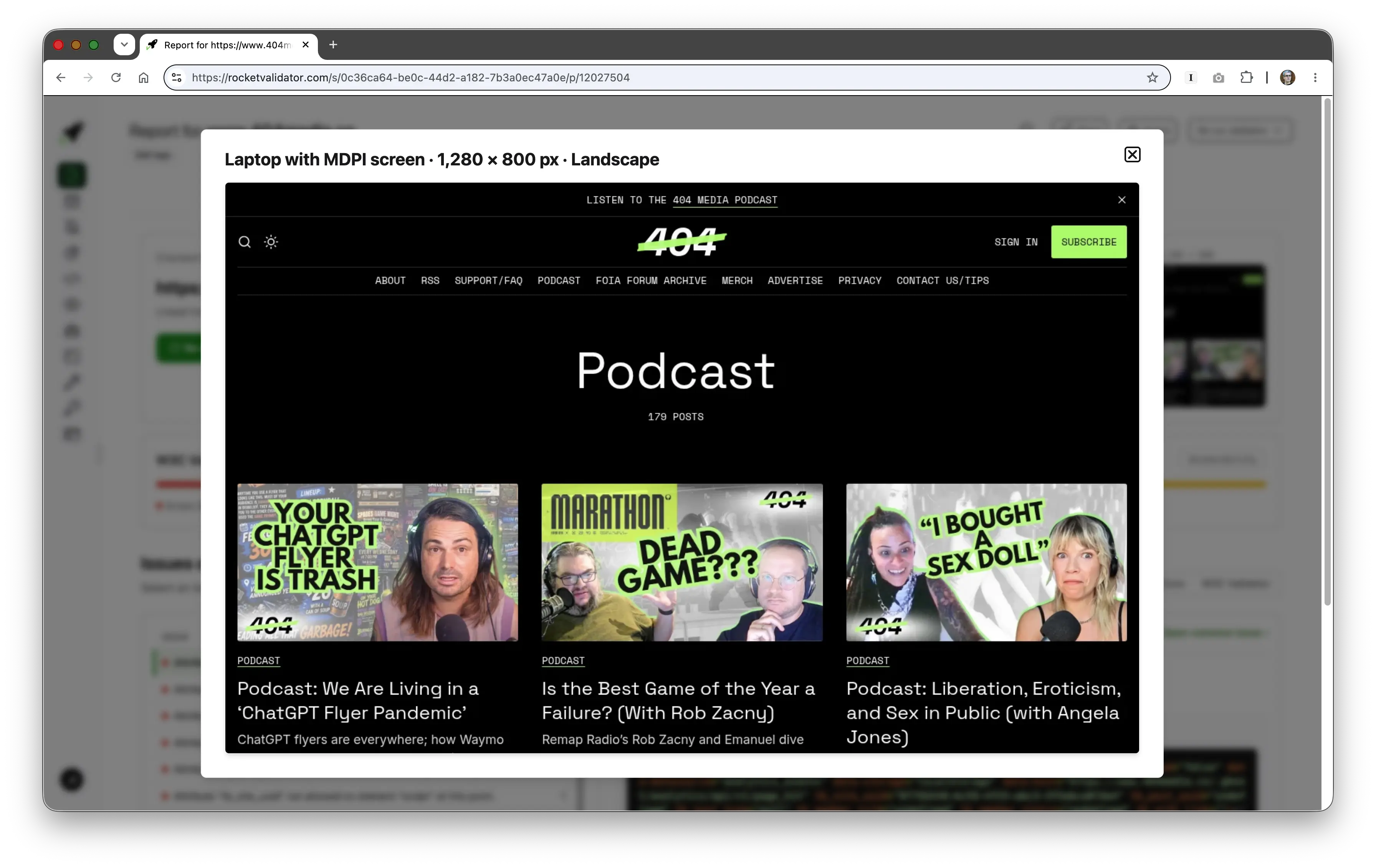
Screenshots appear right in the Web Pages grid, and you can open any of them at a larger size for closer inspection.
## See what was checked, not what's there now
Web pages change constantly, and by the time you review a report, the page may have moved on. That's why each screenshot is taken during the accessibility check itself, in the same browser session, with no extra request to your site. What you see in the screenshot is what the page displayed when it was checked.
Screenshots appear right in the Web Pages grid, and you can open any of them at a larger size for closer inspection.
 When a page is rechecked, its screenshot is refreshed too, so the visual record always matches your latest accessibility results. Each screenshot costs **1 credit**, so keep that in mind when generating large reports.
Ready to see your sites the way Rocket Validator sees them? Enable **Store Screenshots** on your next report and tell us what you think — it's a beta, and your feedback will help shape where it goes next.
When a page is rechecked, its screenshot is refreshed too, so the visual record always matches your latest accessibility results. Each screenshot costs **1 credit**, so keep that in mind when generating large reports.
Ready to see your sites the way Rocket Validator sees them? Enable **Store Screenshots** on your next report and tell us what you think — it's a beta, and your feedback will help shape where it goes next.