# Sidebar Navigation
> Canonical HTML version: https://rocketvalidator.com/blog/sidebar-navigation
> Attribution: Rocket Validator (https://rocketvalidator.com)
> License: CC BY 4.0 (https://creativecommons.org/licenses/by/4.0/)
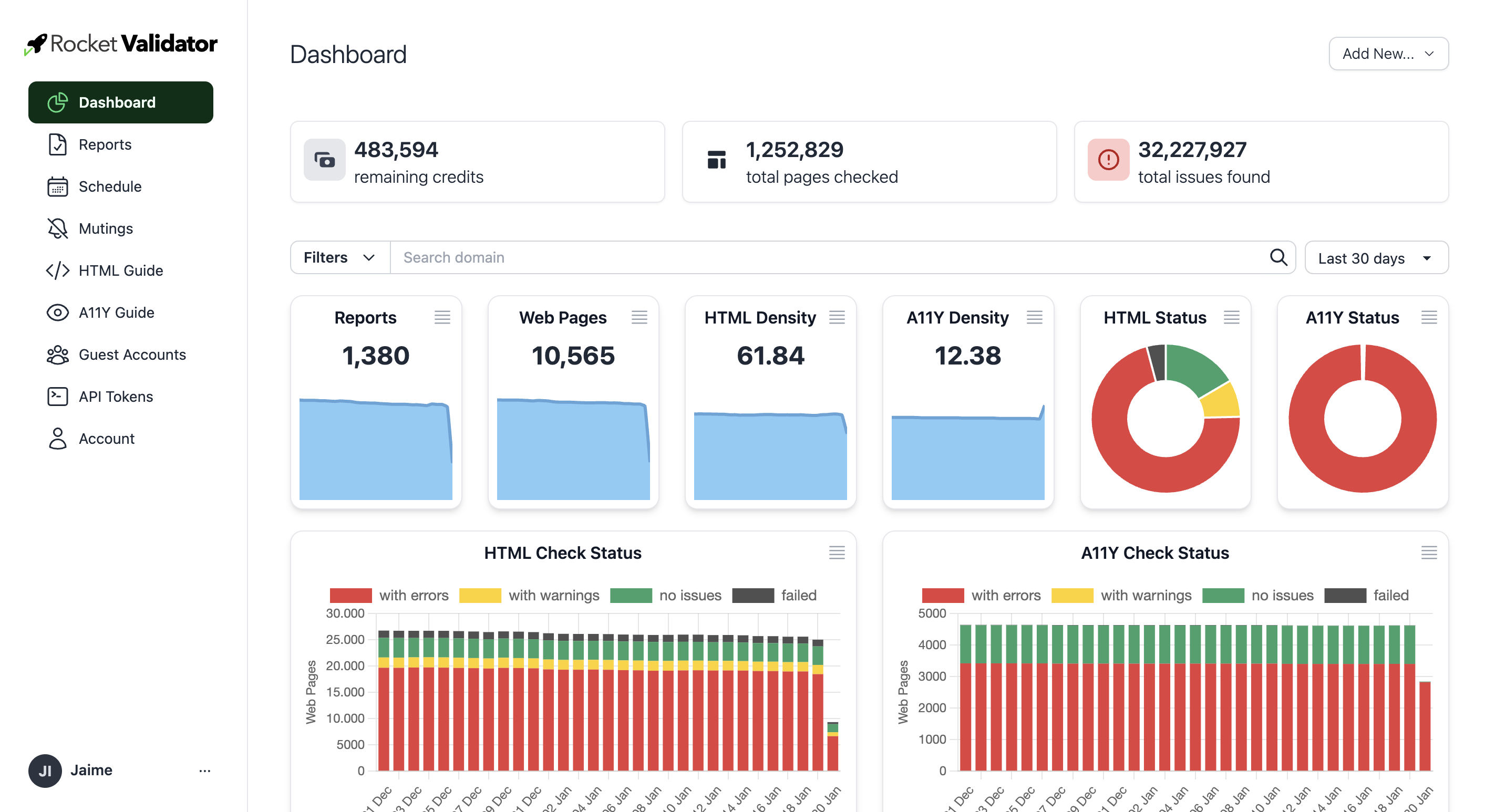
We've updated the app layout to use a responsive sidebar navigation and make better use of the screen space.
We've refreshed the application layout to include a responsive sidenav menu on the left, which gives you direct access to each of the sections in Rocket Validator.
The new interface also makes better use of the available screen space, so it can adapt responsively to narrow or wide vieports. Try the dashboard stats in full screen to enjoy the kiosk mode!
 ## Shortcuts
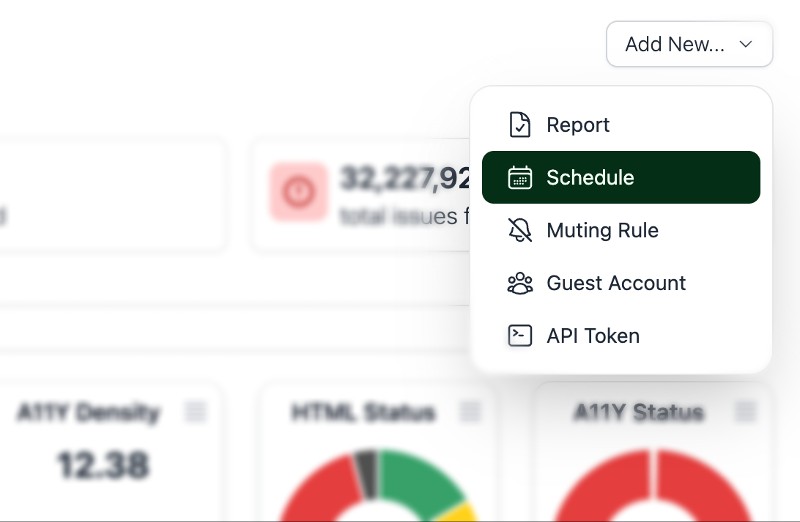
All sections now have a shortcut link on the top right to give you direct access to the create new reports, schedules, mutings, guest accounts or API tokens.
## Shortcuts
All sections now have a shortcut link on the top right to give you direct access to the create new reports, schedules, mutings, guest accounts or API tokens.
 ## User menu
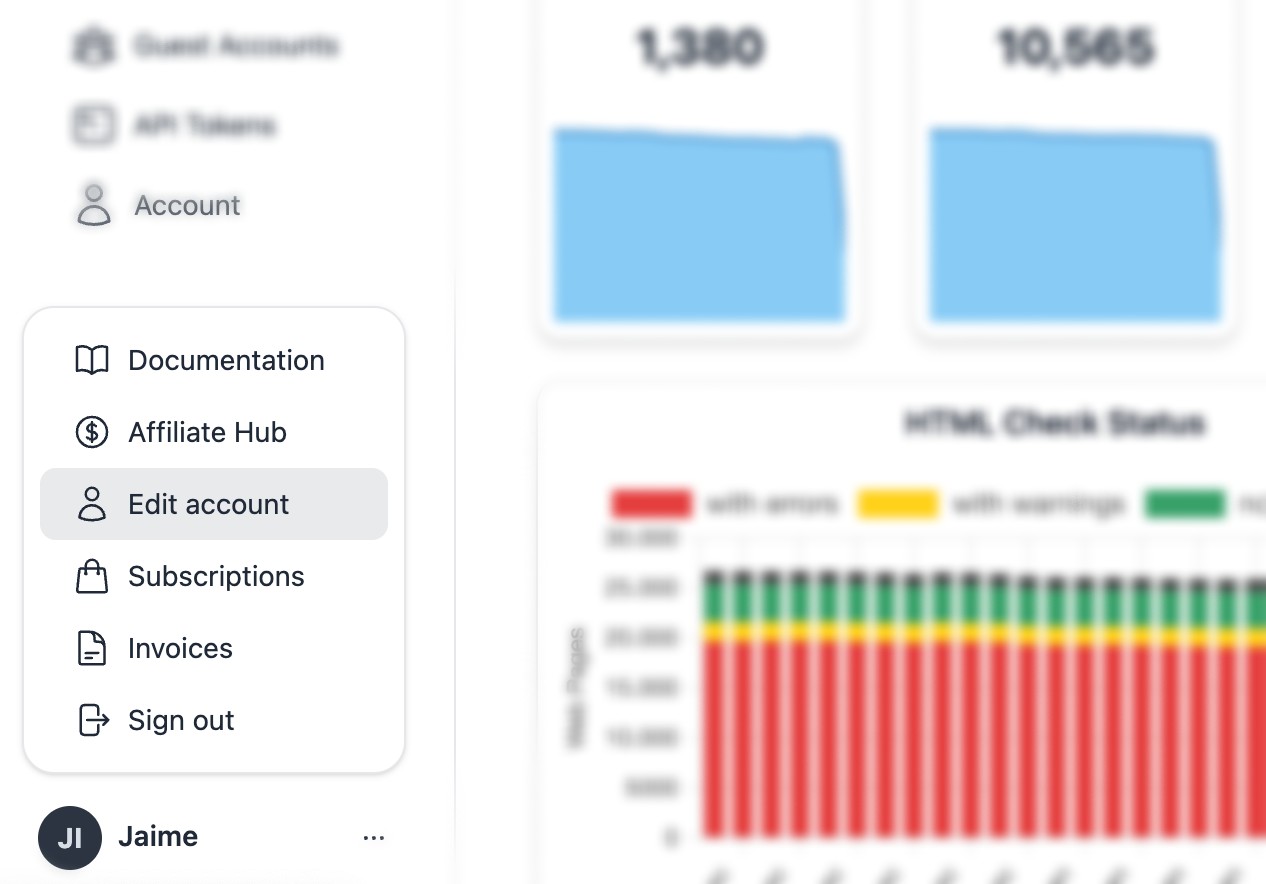
You'll find the new user menu at the left bottom of the sidenav. This menu includes direct links to edit your account, access your subscription and invoices, documentation, and sign out.
## User menu
You'll find the new user menu at the left bottom of the sidenav. This menu includes direct links to edit your account, access your subscription and invoices, documentation, and sign out.
 We hope that this redesign makes it easier and clearer to work with your validation reports!