# Live Reports UI Redesign
> Canonical HTML version: https://rocketvalidator.com/blog/live-reports-interface
> Attribution: Rocket Validator (https://rocketvalidator.com)
> License: CC BY 4.0 (https://creativecommons.org/licenses/by/4.0/)
The reports user interface has been redesigned to make it simpler, lighter and much faster.
We've been working on a complete redesign of the reports interface in search of a simpler, lighter and faster experience. Thanks to Tailwind CSS and Phoenix LiveView, we think that the new reports UI offers a much better experience and a smoother workflow for validating large sites.
## Live search everywhere
When you're working with many sites that have a lot of web pages and issues, you need a way to filter so you can focus on what you want to fix first. The new live search feature will let you do that.
### Filtering reports per URL
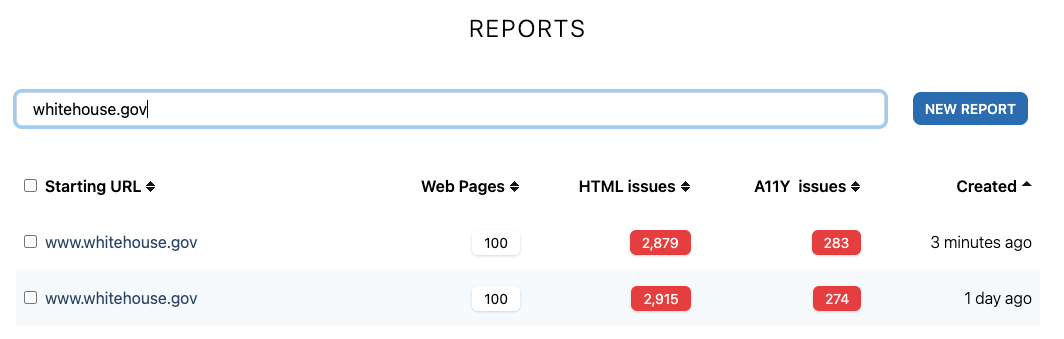
Enter part of the URL and the reports list will show only the ones containing it.
 ### Filtering web pages inside a report by the webpage URL
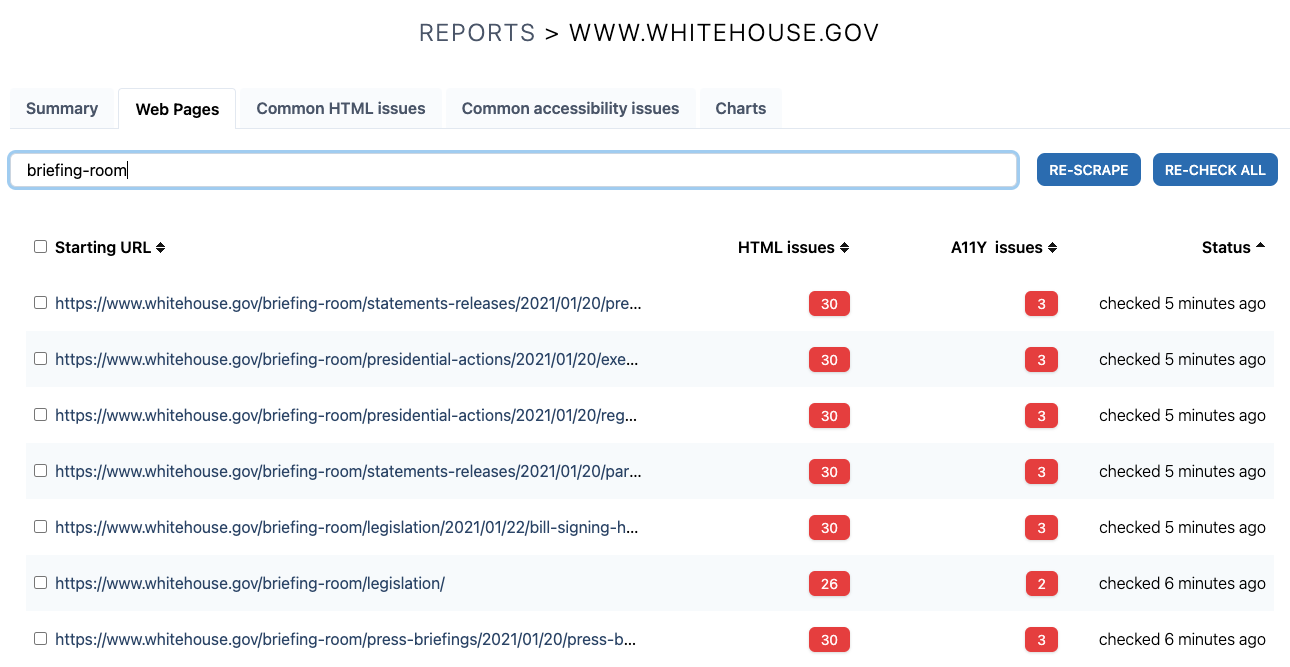
Enter part of the web page URL and the web pages list will show only the ones containing it. This is useful to narrow the scope to a section of the site, for example showing only web pages containing "/blog".
### Filtering web pages inside a report by the webpage URL
Enter part of the web page URL and the web pages list will show only the ones containing it. This is useful to narrow the scope to a section of the site, for example showing only web pages containing "/blog".
 ### Filtering issues in a report by its message
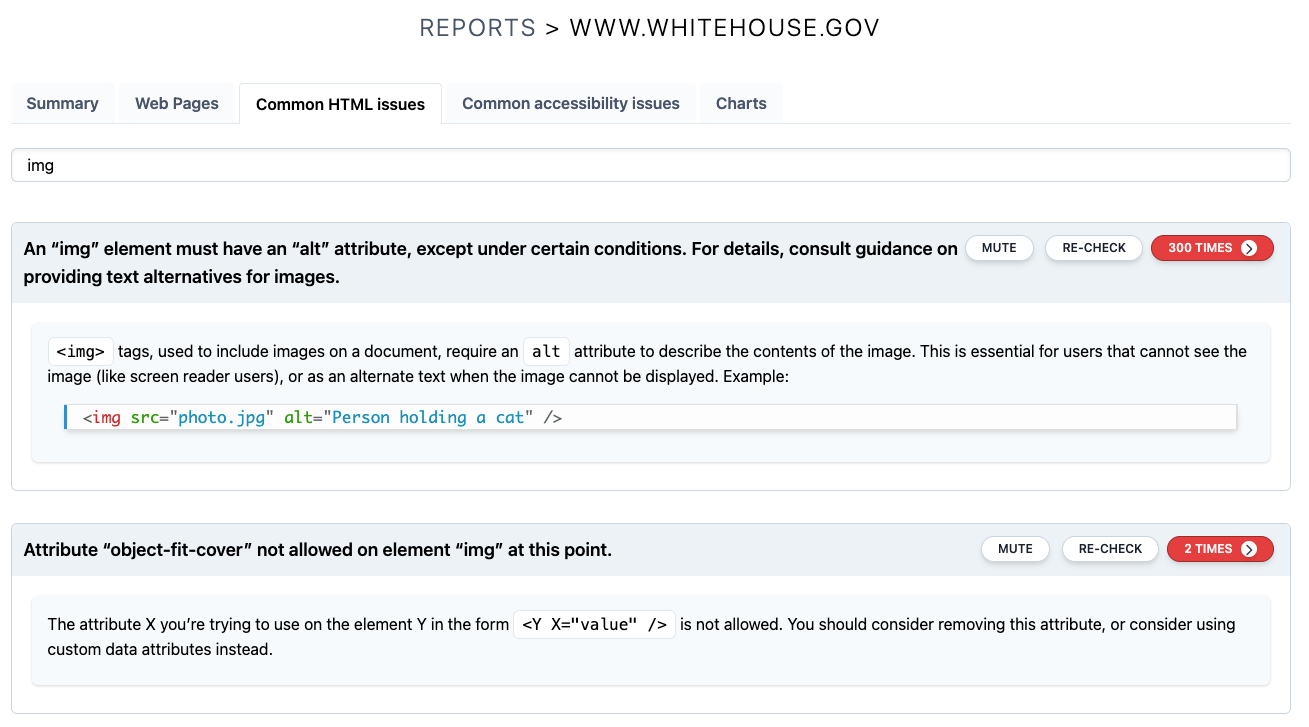
Use this to narrow down a long list of issues to only the kind of issues you're working on at a time. For example, searching only the ones related to "img".
### Filtering issues in a report by its message
Use this to narrow down a long list of issues to only the kind of issues you're working on at a time. For example, searching only the ones related to "img".
 ### Filtering web pages affected by a given issue by the URL
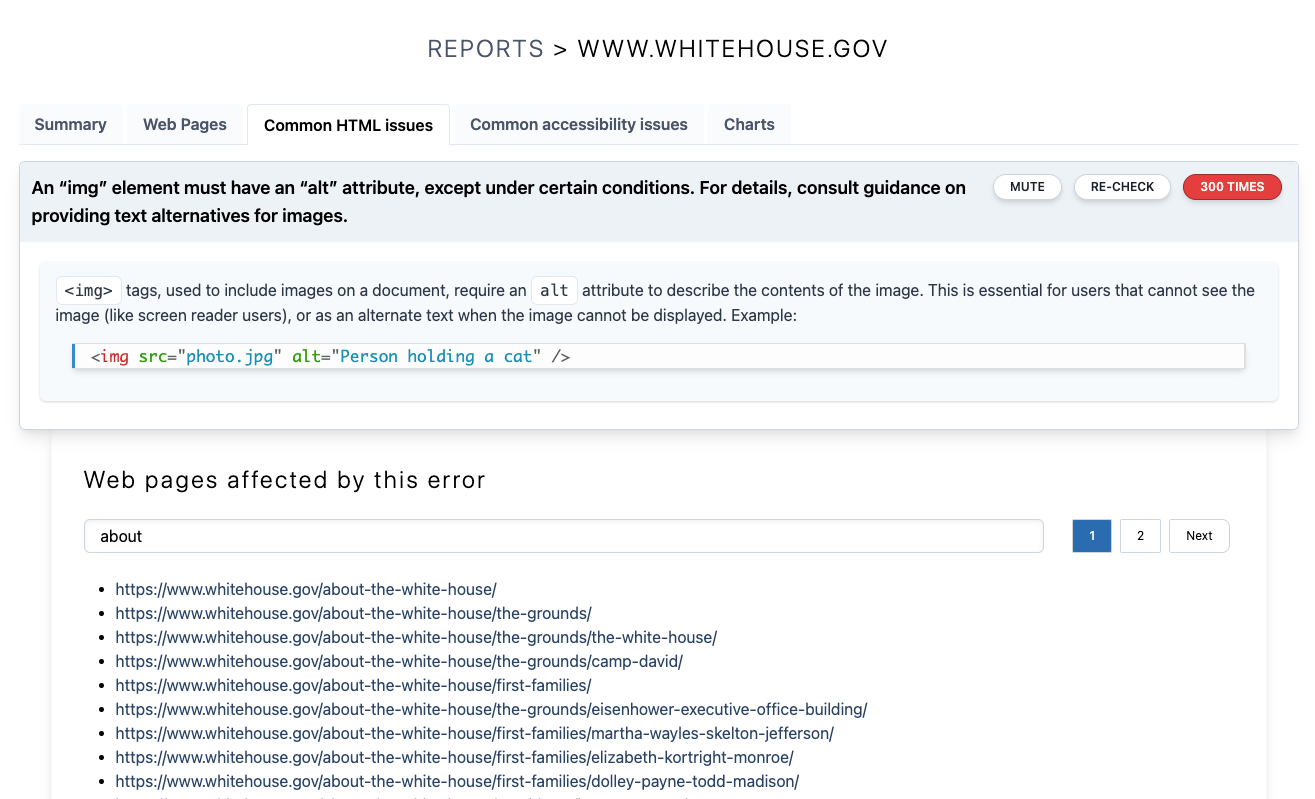
When you examine a common HTML or accessibility issue on a report, you'll be presented the list of web pages affected. You can narrow down this list by filtering per the URL of the web pages.
### Filtering web pages affected by a given issue by the URL
When you examine a common HTML or accessibility issue on a report, you'll be presented the list of web pages affected. You can narrow down this list by filtering per the URL of the web pages.
 ## New issue card includes help and actions
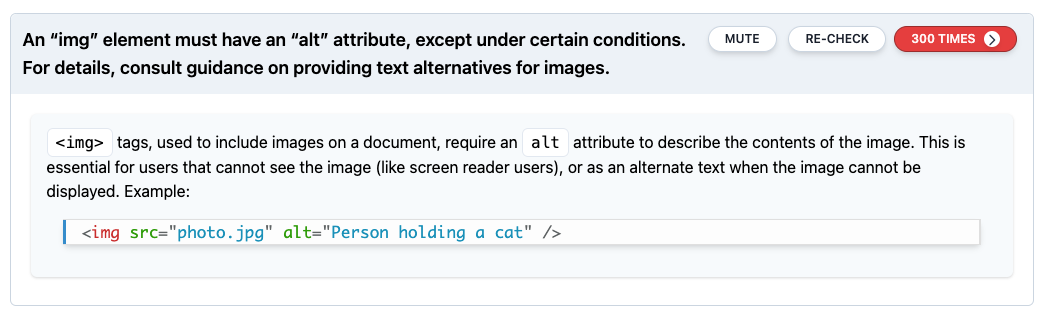
HTML and accessibility issues found in your sites are now shown as actionable cards, offering the issue message and a quick help, including code examples for better understanding.
The issue actions will let you mute, re-check and see more details on a given issue.
## New issue card includes help and actions
HTML and accessibility issues found in your sites are now shown as actionable cards, offering the issue message and a quick help, including code examples for better understanding.
The issue actions will let you mute, re-check and see more details on a given issue.
 ## Batch actions
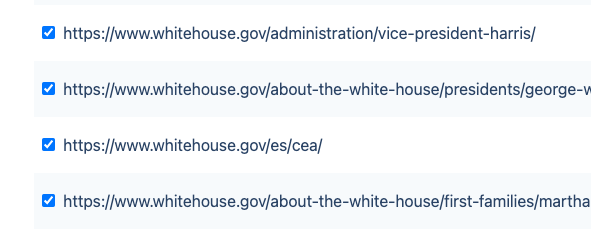
Batch actions have been improved, to let you select several web pages inside a report for batch rechecking, or several reports to be deleted. Use the shift key to select a range of items.
## Batch actions
Batch actions have been improved, to let you select several web pages inside a report for batch rechecking, or several reports to be deleted. Use the shift key to select a range of items.
 ## New Dashboard
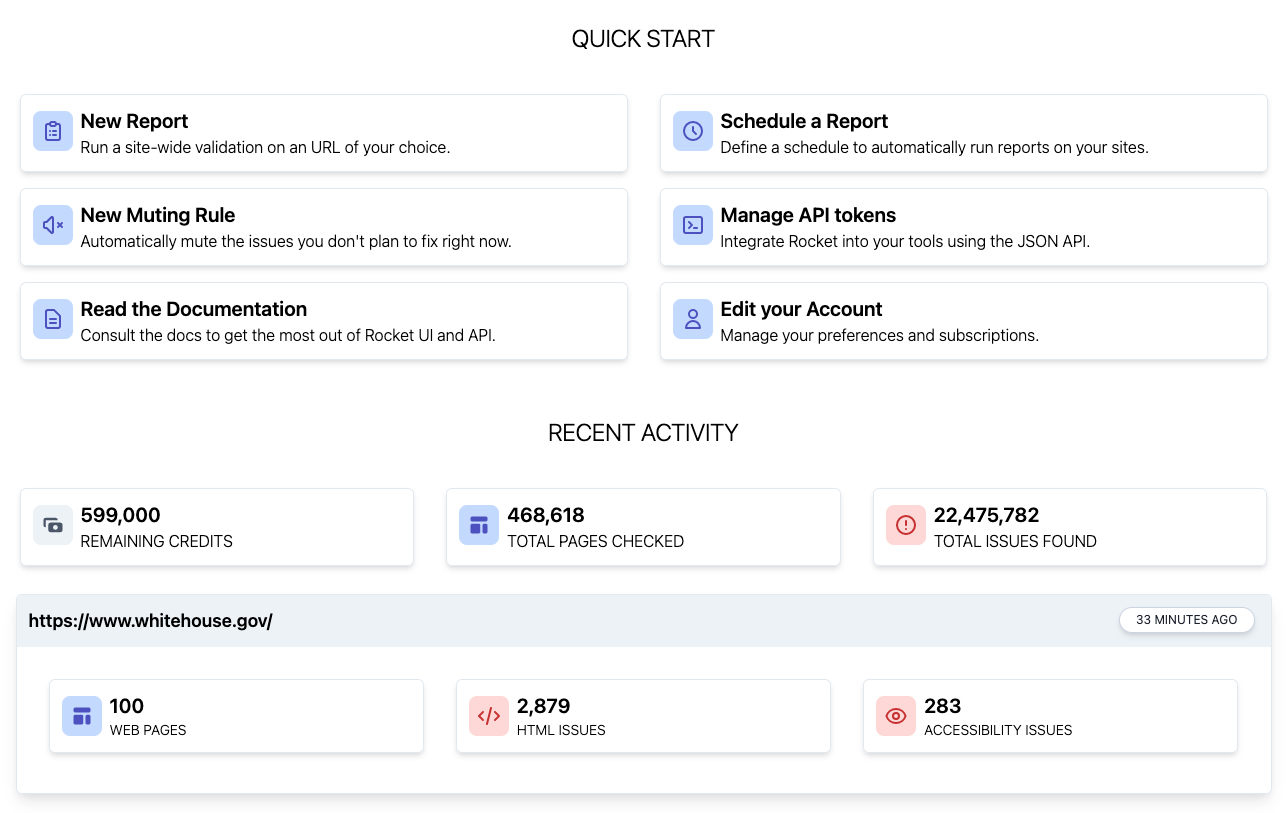
The new Dashboard is your new starting place, with direct links to create new reports, schedules, mutings, API tokens, reading the documentation or managing your account.
The recent activity view will show you quick stats on remaining credits, total pages checked and issues found.
For each recent site checked, a summary of the number of web pages, HTML and accessibility issues will be shown, with a link to its latest report.
## New Dashboard
The new Dashboard is your new starting place, with direct links to create new reports, schedules, mutings, API tokens, reading the documentation or managing your account.
The recent activity view will show you quick stats on remaining credits, total pages checked and issues found.
For each recent site checked, a summary of the number of web pages, HTML and accessibility issues will be shown, with a link to its latest report.
 ## Try it now!
The new live reports user interface is now ready for all Rocket Validator users! If you still haven't tried it, you can [sign up for a free trial](https://rocketvalidator.com/registration/new) and start checking your large sites in seconds.
## Try it now!
The new live reports user interface is now ready for all Rocket Validator users! If you still haven't tried it, you can [sign up for a free trial](https://rocketvalidator.com/registration/new) and start checking your large sites in seconds.