# Introducing the Rocket Validator A11y Panel Chrome Extension
> Canonical HTML version: https://rocketvalidator.com/blog/introducing-a11y-agent-chrome-extension
> Attribution: Rocket Validator (https://rocketvalidator.com)
> License: CC BY 4.0 (https://creativecommons.org/licenses/by/4.0/)
A free Chrome extension that finds accessibility issues on your pages while you browse them. No account needed.
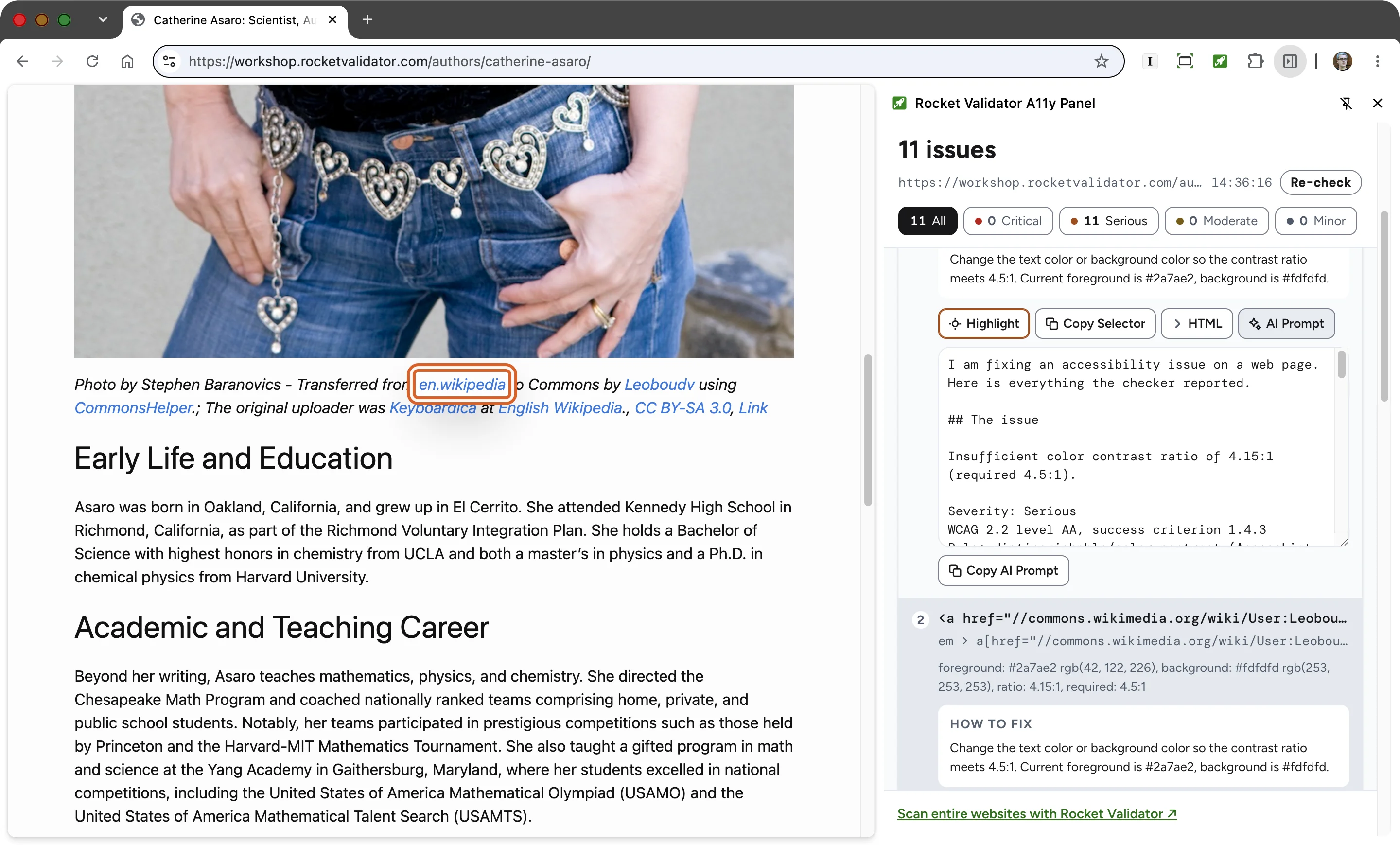 Today we're introducing our new Chrome extension, made to help you spot accessibility issues and fix them while you browse the web.
Rocket Validator A11y Panel brings [AccessLint](https://rocketvalidator.com/accesslint) checks straight into your browser. It's **completely free**, and you **don't need a Rocket Validator account** to use it.
## How to install the extension from the Chrome Web Store
The [Rocket Validator A11y Panel extension](https://chromewebstore.google.com/detail/gahibfmnpgepdpoenddkcnagncndbddh?utm_source=item-share-cb) is available on the Chrome Web Store.
Today we're introducing our new Chrome extension, made to help you spot accessibility issues and fix them while you browse the web.
Rocket Validator A11y Panel brings [AccessLint](https://rocketvalidator.com/accesslint) checks straight into your browser. It's **completely free**, and you **don't need a Rocket Validator account** to use it.
## How to install the extension from the Chrome Web Store
The [Rocket Validator A11y Panel extension](https://chromewebstore.google.com/detail/gahibfmnpgepdpoenddkcnagncndbddh?utm_source=item-share-cb) is available on the Chrome Web Store.
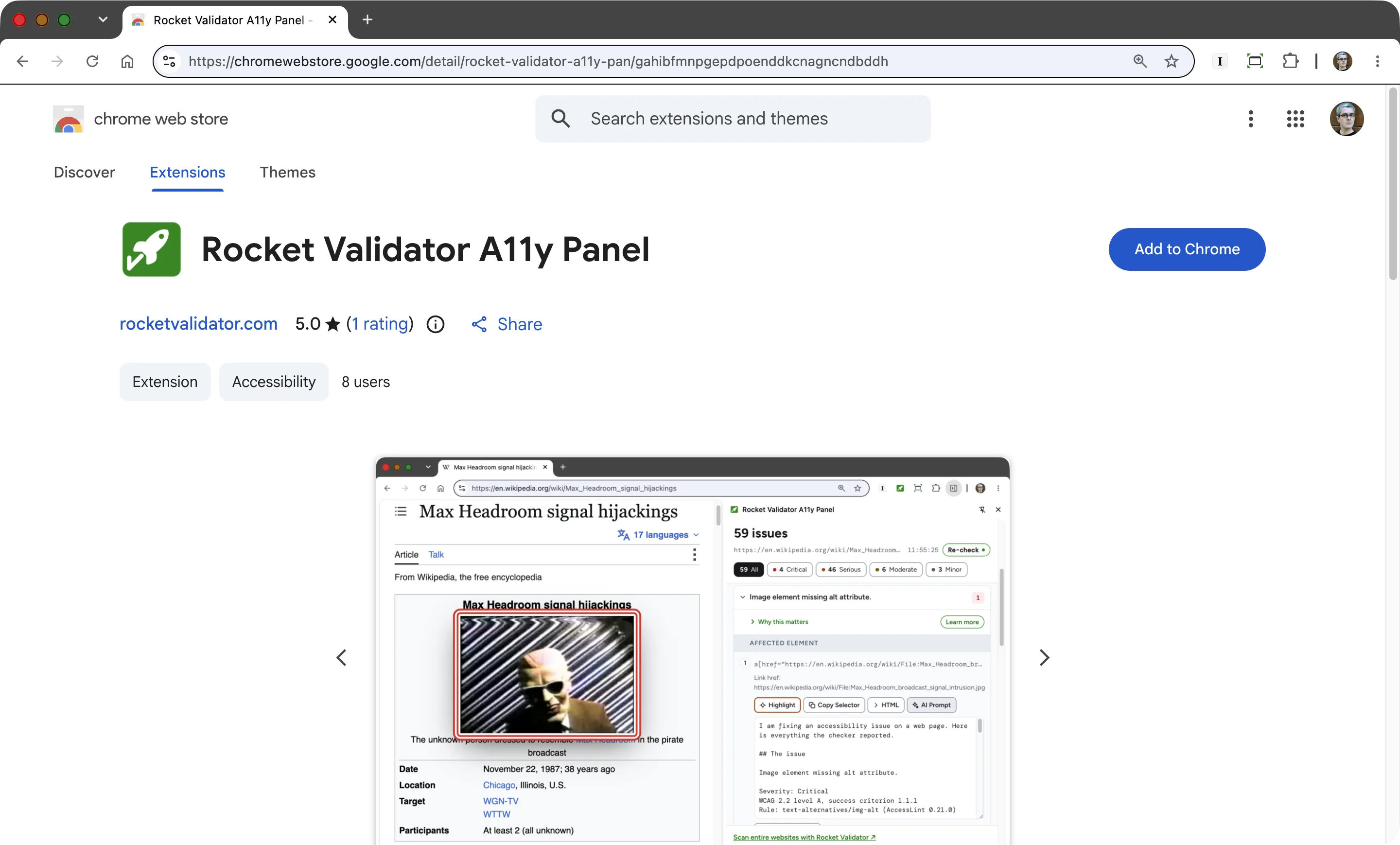 Press **Add to Chrome**, then pin the icon to your toolbar to keep it within reach.
## What's inside the accessibility panel
The panel always shows the results for the current tab, and they update as you move through the site. Every check **runs locally**, in your own browser, and **nothing gets sent to Rocket Validator**. So it also works against your local web server, or on password-protected sites.
Inside the panel you'll find the accessibility issues, **grouped by topic**. Each one comes with a short explanation of why it matters, a link to the extended guide, and tools to locate the element: **Highlight** outlines it on the page, and **Copy Selector** gives you its CSS selector.
Press **Add to Chrome**, then pin the icon to your toolbar to keep it within reach.
## What's inside the accessibility panel
The panel always shows the results for the current tab, and they update as you move through the site. Every check **runs locally**, in your own browser, and **nothing gets sent to Rocket Validator**. So it also works against your local web server, or on password-protected sites.
Inside the panel you'll find the accessibility issues, **grouped by topic**. Each one comes with a short explanation of why it matters, a link to the extended guide, and tools to locate the element: **Highlight** outlines it on the page, and **Copy Selector** gives you its CSS selector.
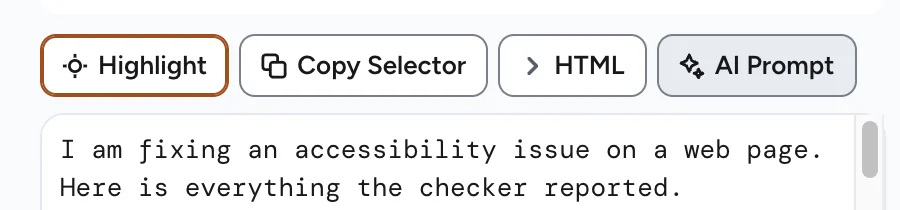 Finally, the **AI Prompt** button writes out the technical details of the issue, ready to paste into your favourite AI so it can explain the problem and fix it for you.
## See it in action
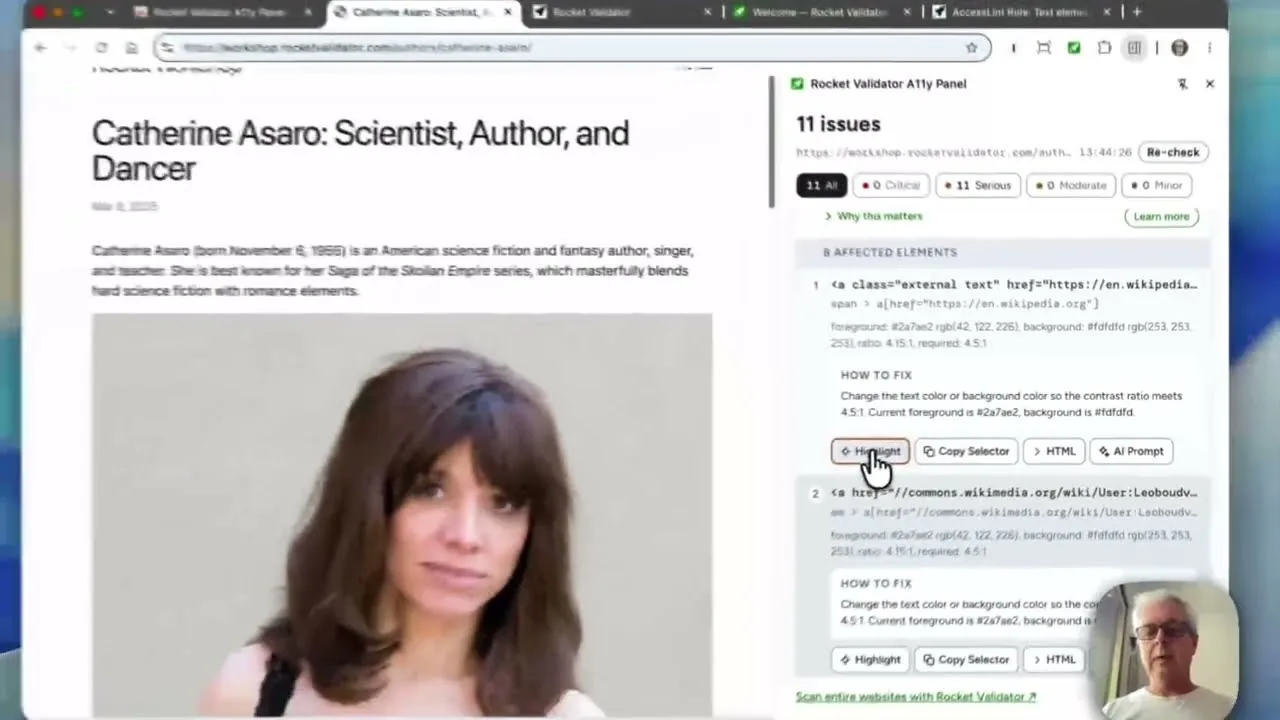
We recorded a short walkthrough of the install, and of the panel working on a real page.
## Start checking
You can start checking your pages right now by installing the extension in your Chrome.
If the extension makes your accessibility work easier, please **leave a review** on the Chrome Web Store. Reviews help other developers discover it, and every star and comment really does make our day.
Install the Chrome Extension
Finally, the **AI Prompt** button writes out the technical details of the issue, ready to paste into your favourite AI so it can explain the problem and fix it for you.
## See it in action
We recorded a short walkthrough of the install, and of the panel working on a real page.
## Start checking
You can start checking your pages right now by installing the extension in your Chrome.
If the extension makes your accessibility work easier, please **leave a review** on the Chrome Web Store. Reviews help other developers discover it, and every star and comment really does make our day.
Install the Chrome Extension
 Watch on YouTube